
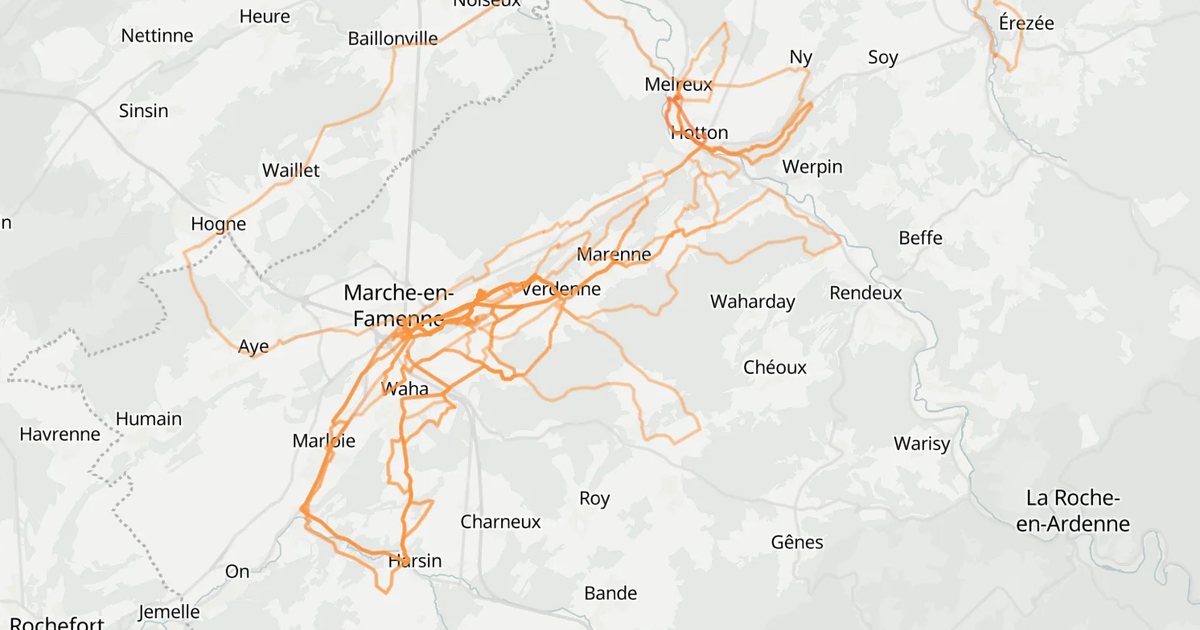
You have two hours free on Sunday and 80 saved routes. Somewhere in your Downloads folder is the gravel loop with the good forest section. You remember riding it. You don't remember what the file was called.
Organising GPX files isn't really about a tidy folder. It's about answering one question quickly: which of the routes I already have fits today?
Here's how to get there, whether your routes live in folders or in an app.
Put every route in one place
Routes arrive from everywhere: Komoot, Strava, an event site, a friend's message. Before you sort anything, get them out of Downloads, chats and apps, and into one place. Keep the original files as they came.
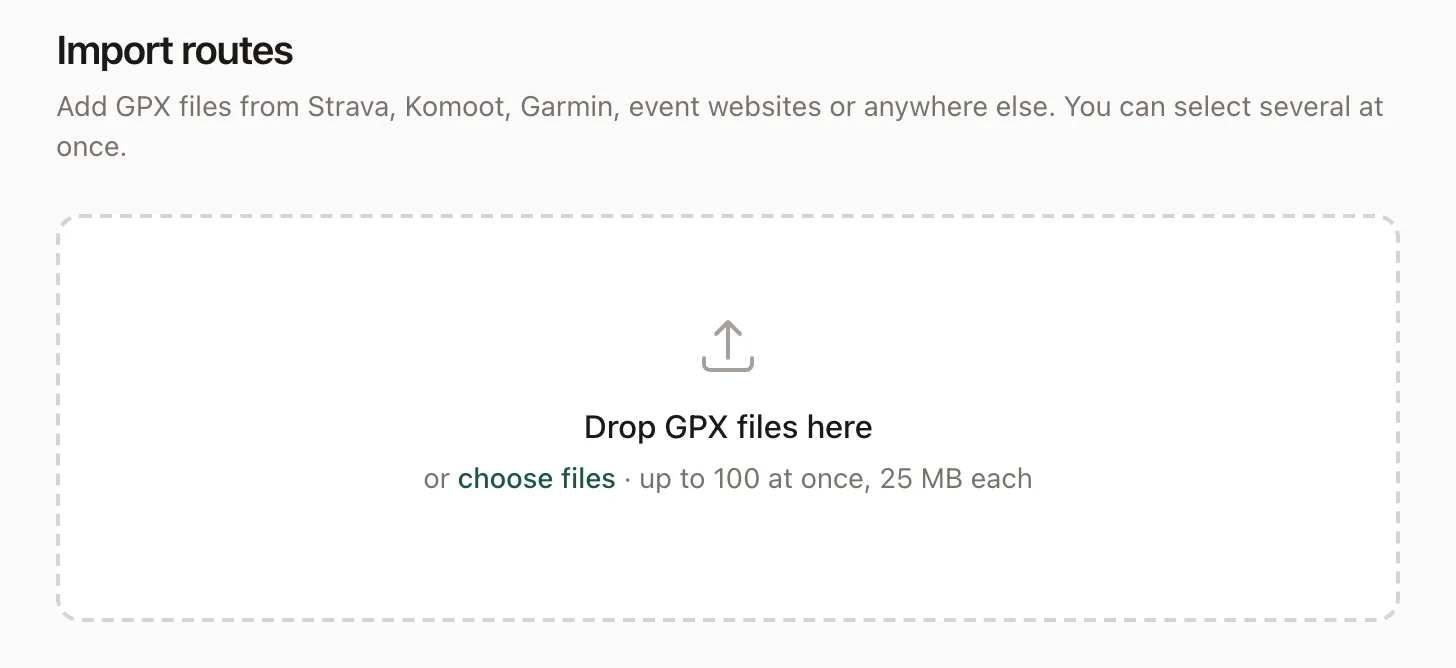
In rutefold, the library is that one place. Drop in up to 100 GPX files at once. rutefold keeps each original file, so you can download it again whenever you need it. Routes in Komoot or Strava come over too: see how to bring your Komoot routes, or your whole Strava history in one upload.
Keep a copy elsewhere all the same. In rutefold, your account page downloads everything as one zip: every route's GPX file, plus your names, notes, tags and collections.
Give each route a name you'll recognise
"Morning Ride" and "route_final_v3" don't tell you anything a week later. Say what the route is: where it goes and how it's different. "Riverside gravel loop" beats "Saturday ride". Add the start or the direction only when it changes your choice, as in "Riverside loop, short return".
One catch: a route file also carries a name inside it, and that's the one most apps show. Renaming the file on your computer often changes nothing once you import it, so rename the route in the app instead.
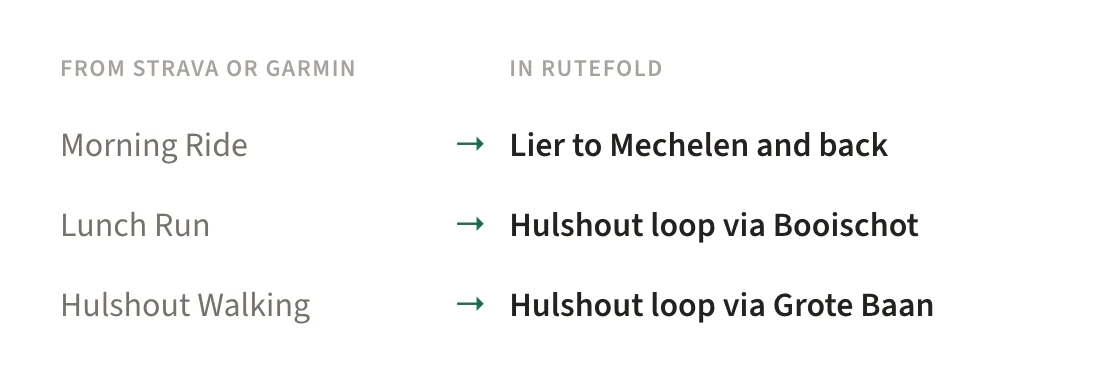
In rutefold, you rename a route on its page. Outings from your Strava archive or from Garmin often arrive as "Morning Ride" or "Hulshout Walking"; rutefold gives those a name from the places they pass, like "Lier to Mechelen and back", and leaves any name someone chose alone.
Sort by how you choose, not by where it came from
It's tempting to sort files by where they came from, in folders like "From Komoot" and "From Garmin". But on a Sunday morning you ask other questions:
- Where does it start, and how far is that from home?
- How far is it, and how much does it climb?
- How long will it take me?
- When did I last do it?
A folder answers one of those at most, because a file lives in one folder. A short, flat route near home belongs in three places at once.
In rutefold you don't sort by any of them: you filter on them when you choose (more on that below). Where a route starts, how far it is and how much it climbs come from the file; how long it takes comes from your own pace.
Collections and tags overlap too: a route can be in "Ardennes Weekend" and tagged "gravel" at the same time.
Keep a route apart from the times you did it
A route is a path you might follow again. An outing is one time you followed it.
Ride the same loop six times and your watch gives you six files. Those are six outings, not six choices for next Sunday. In a folder they look like six routes; keep one as the route and put the rest away as history.
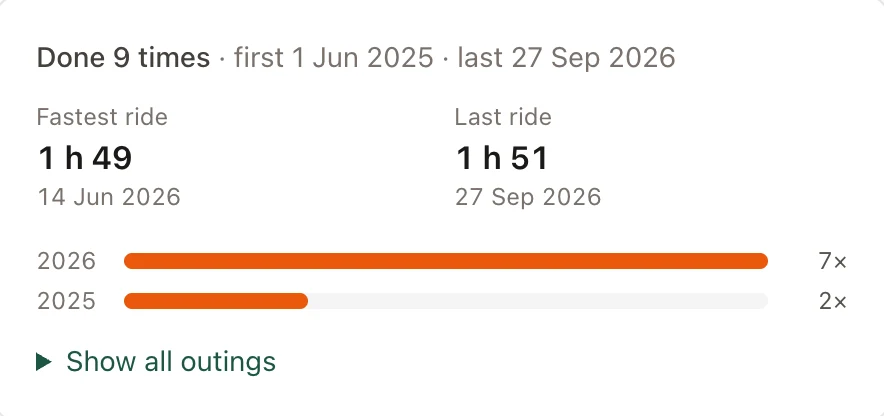
rutefold does this by itself. Import your Strava archive, or connect Garmin through Intervals.icu, and each outing lands on the route it followed. Walk the same loop 200 times and you get one route, done 200 times. You also see when you last did it.
Let duplicates come to you
Two files with different names can be the same route: the plan you downloaded from Komoot and the ride you recorded on it, say. Two files with the same name can be different routes.
By hand, compare the map, the start and the distance before deleting anything. A shorter return or an extra loop makes it a different route; give it a name that says so.
rutefold compares the routes themselves, on the map. When two follow practically the same roads, even if one goes the other way round, it says so and shows how alike they are. Part of a longer route doesn't count. Then it asks: Remove this one, or Keep both. It never deletes anything on its own.

Write down what the line can't tell you
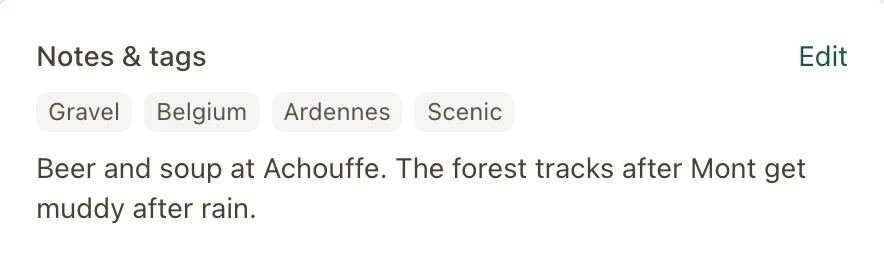
The map shows where a route goes. It doesn't say the forest section is muddy after rain, or where the good café is.
Add a line or two when you save a route, and the date: a path that was open last spring may not be open now.
In rutefold, that goes in the route's notes, which stay private to you. If you share a route as a link, people with the link see its description instead, so put what they need to know there.
Test it: pick today's route
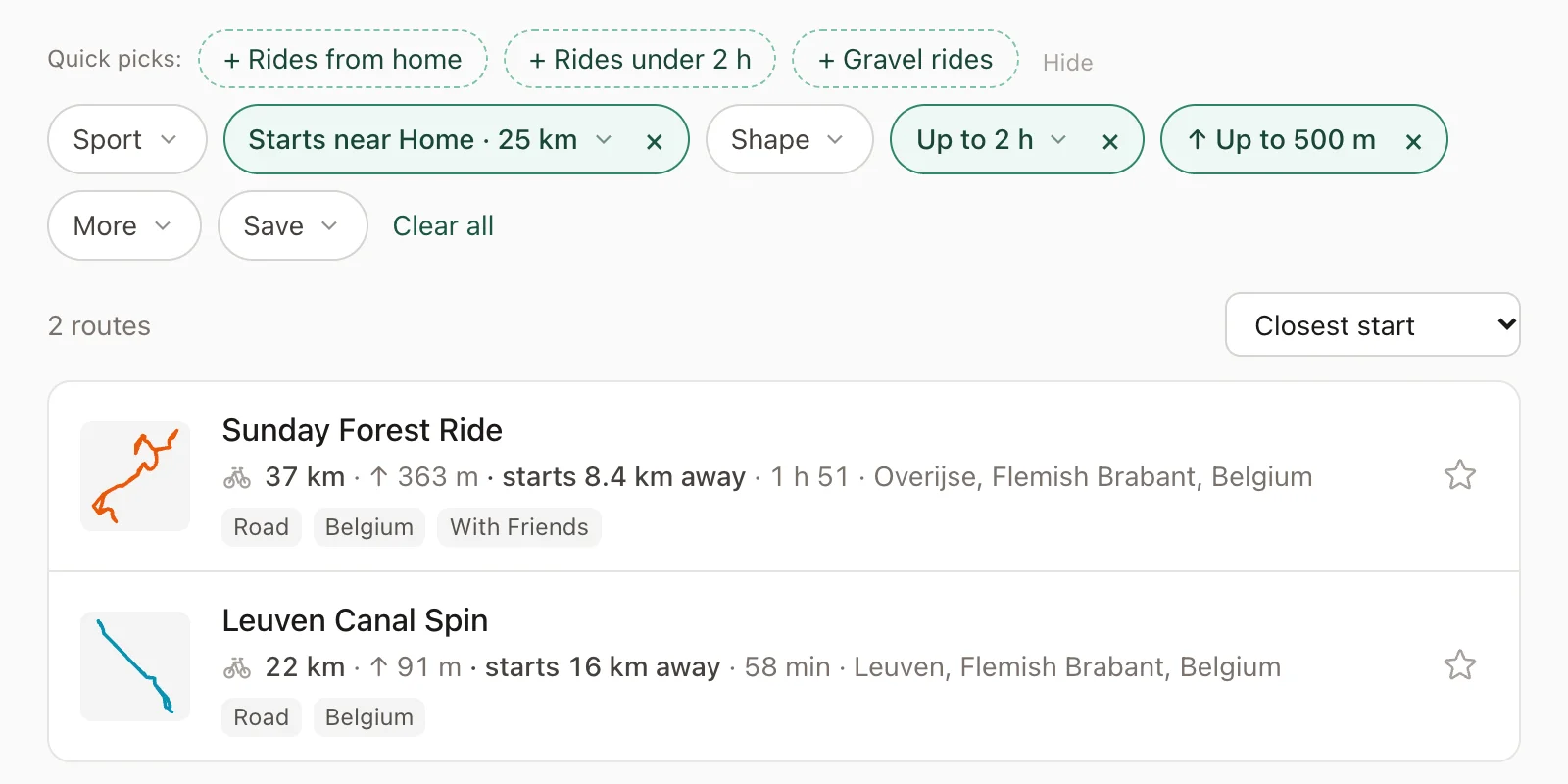
Now stop sorting and choose a route. Try a real question, for example: a ride from home on a Sunday morning, under two hours, less than 500 m of climbing, and one you haven't done since spring.
With folders, you'd open a dozen files and check each one's distance and climbing in another app. If that's where you end up, your collection has outgrown filenames.
In rutefold, it's one search: starting near home, at most 2 hours, at most 500 m of climbing. You can also search around another place, find routes that go through a village you like, set a distance, or show only loops.
The time is based on how fast you usually go, learned from your own outings once rutefold has enough of them; until then it uses a typical pace. Save that search as a quick pick, and next Sunday it's one tap.
Or connect Claude or ChatGPT to your library and ask the whole question in your own words, "not since spring" included.
Leave room for the day itself: stops, the ride to the start, the weather.
Start with five routes
You don't need to sort your whole archive tonight. Pick five routes you'd actually do again, name them well, and check you can find the right one without opening every file. That's more use than a thousand files nobody can choose from.