
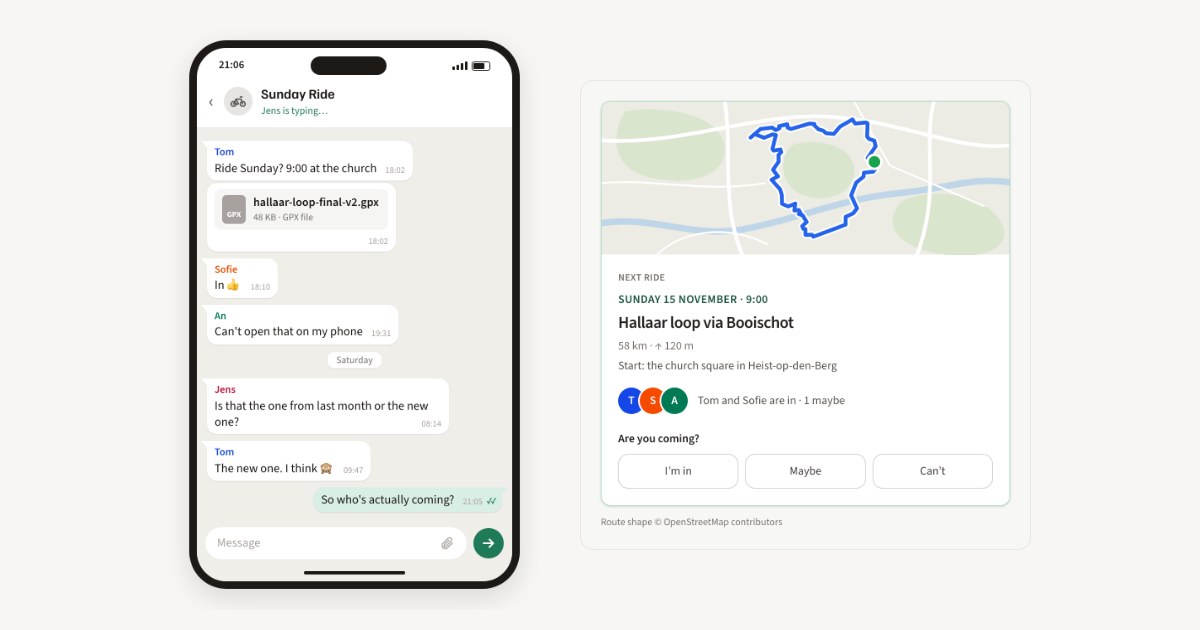
Someone in the group has a good route. They export the GPX and drop it in the chat. Two people download it, one can't open it on their phone, and by next month nobody can find it under the photos and the "who's in Sunday?" messages.
Sharing a route once is easy. Sharing routes with a group that rides together every week is a different job: everyone needs to find them again, add their own, and know who's coming.
Here are four ways to do it, from the quickest to the most organised.
Send the GPX file in the group chat
It's quick: everyone already has the chat.
It's also where things get lost. Each rider needs an app that opens GPX files, and a phone without one doesn't know what to do with it. The file has no map until someone imports it. A month later, it's buried under the photos.
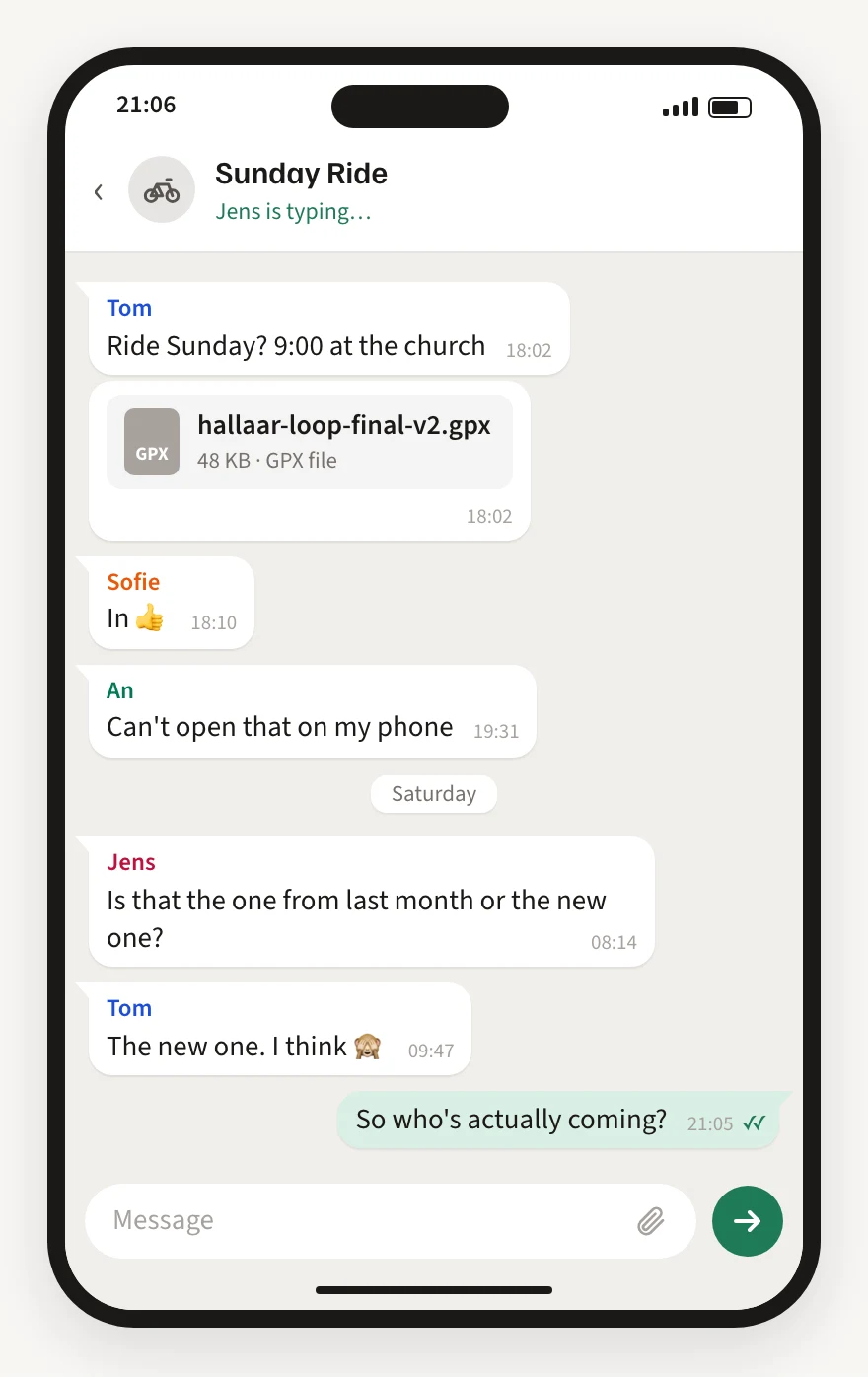
Good for a one-off ride with people who know what to do with a GPX file.
Send a link to the route instead
A link opens in any browser, with the map right there. Most route apps can make one.
In rutefold, open the route, choose Share from its menu, then Create public link and Copy. Paste it in the group chat. Whoever opens it sees the map and your description, and downloads the GPX, without an account. Your private notes and tags stay out of it. Stop sharing and the link stops working.
For a handful of routes, share a collection the same way: one link, every route on a map, and each GPX to download.
Good for showing the group a route or a few. The others can't add their own, and it doesn't say who's coming.
Use Strava or Komoot
If your group already uses one of them, start there.
- Strava clubs have group events: an admin picks a day, a start and one of their saved routes, and members answer I'm in. Members can also post public routes to the club's feed. If the loop you want was never saved as a route, here's how to find it on Strava.
- Komoot organises a group ride from a planned route. You invite people in the app, by email, or with a link or QR code, and when you change the route, everyone gets the new one. Everyone needs a Komoot account, and the date and start time go in the route's comments.
What neither gives you is one library the whole group fills. Routes posted to a Strava club go down its feed with everything else, and a Komoot group ride is one route.
Keep one private library for the group
For a group that rides together often, the routes are worth keeping in one place everybody can see: a shared library.
That's what a crew is in rutefold. You start one and add routes from your own library. Then you invite your friends one at a time: an invite link works for one person, for a week, and making the next one stops the last if it's still unused. You approve each friend, so nobody gets in without your yes. Everyone in the crew adds their own routes too.
Then anyone can:
- Find a route by distance, climbing and where it starts, and see it on the map with how long it'll take.
- Download the GPX for their watch or bike computer (here's how for a Garmin), or save a copy to their own library, which stays theirs.
- Plan a ride on a route: a day, a time and where to meet. The others answer in, maybe or can't, and get an email about it unless they turned crew emails off. Whoever said in or maybe gets a reminder the evening before.
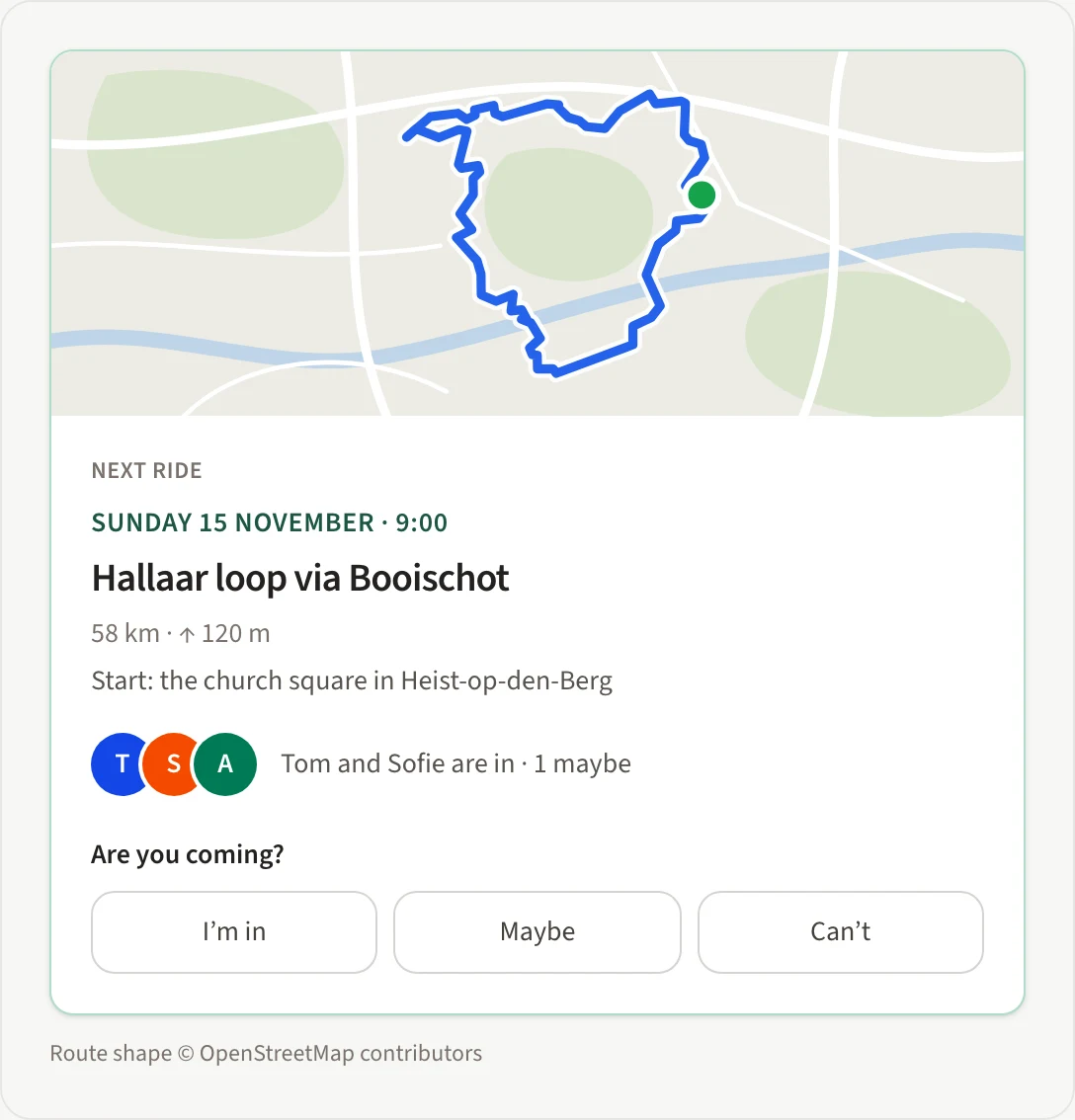
The route, the meeting point and the headcount are in one place, instead of somewhere up the chat.
The crew itself is private: only the people you let in can open it, and nothing in it shows up in a search engine. It shares only the routes added to it and the rides planned on them. When someone leaves, their routes leave with them, and the rides on those routes or that they planned are cancelled; whoever was coming hears about it. Copies the others saved stay theirs.
Your friends need an account to join, which they can make from the invite link. They don't need routes of their own.
Which one to pick
- A route or a few, for people you'll see once: send a link to the route or a collection.
- A club that already lives on Strava: Strava club events.
- One ride where everyone navigates with Komoot: a Komoot group ride.
- The same friends, most weekends, everyone adding routes: a crew, so the routes and the headcount stop getting lost in the chat.
Whichever you pick, start with the routes you have. If they're still in a Downloads folder, put them in order first.